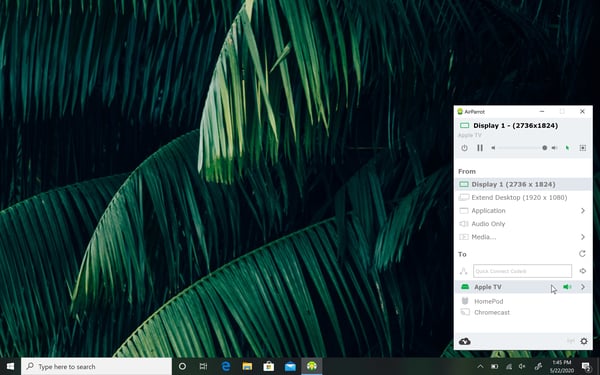






Step 1: Run the Installer
After downloading the AirParrot MSI file, double click it to begin the install process.
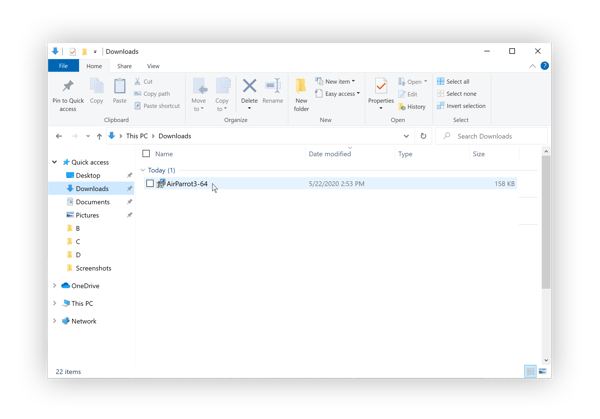
Step 2: Accept the EULA
By accepting the EULA, you agree to the terms and conditions presented. Click continue to move on.
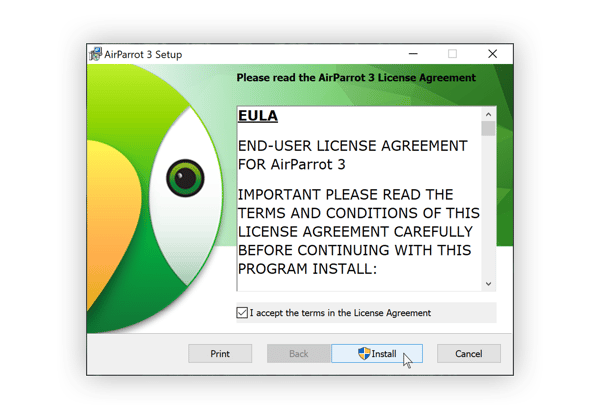 Step 3: Open AirParrot from the Start Menu
Locate AirParrot in the start menu, and click to open it. AirParrot can be controlled from its own window or from the system tray near your clock.
Step 4: Click "Allow" in Windows Firewall alert
AirParrot MUST be allowed through the Windows firewall. Please be sure to check both Private and Public networks.
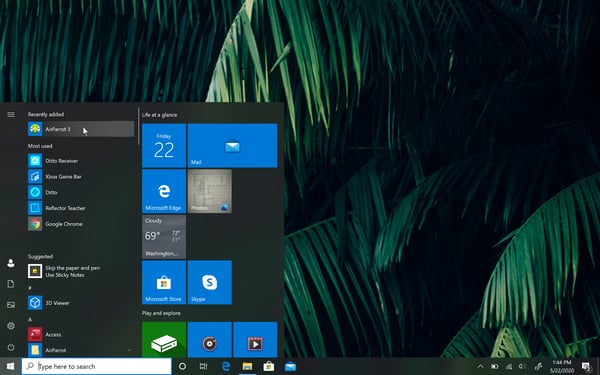
Step 5: Open AirParrot and Begin Mirroring and Streaming
Launch AirParrot. Select the display or media you'd like to send. Then select a destination from the list. You can also change settings and perform other functions from this menu.