

Mirror
Use AirParrot to mirror Windows and macOS screens. Everything you do on your computer is wirelessly mirrored without cables or adapters.

Mirror any device to your screen — wirelessly.
One universal license for each app — works on macOS and Windows.
— or buy Reflector 4 on its own —



For schools, districts or volume licensing — contact us.
Stream audio and video from your Mac or PC to any screen.
One universal license for each app — works on macOS and Windows.
— or buy AirParrot 3 on its own —
For schools, districts or volume licensing — contact us.
Share wirelessly with everyone in the room without the need for cables and adapters. AirParrot gives anyone the ability to share and engage the classroom, boardroom or beyond. Focus on what matters most and send content from any device to a receiver connected to a television or projector. Our patent-pending Quick Connect technology and Bluetooth discovery allows you to quickly discover and connect to devices, even when network configurations prevent it.
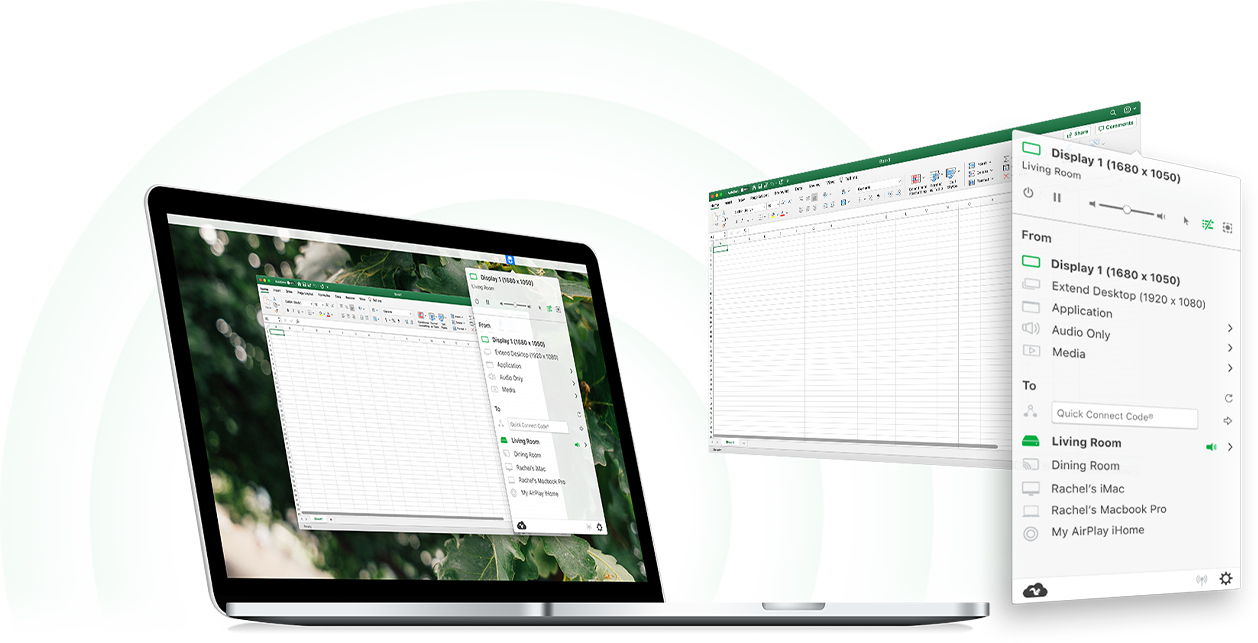
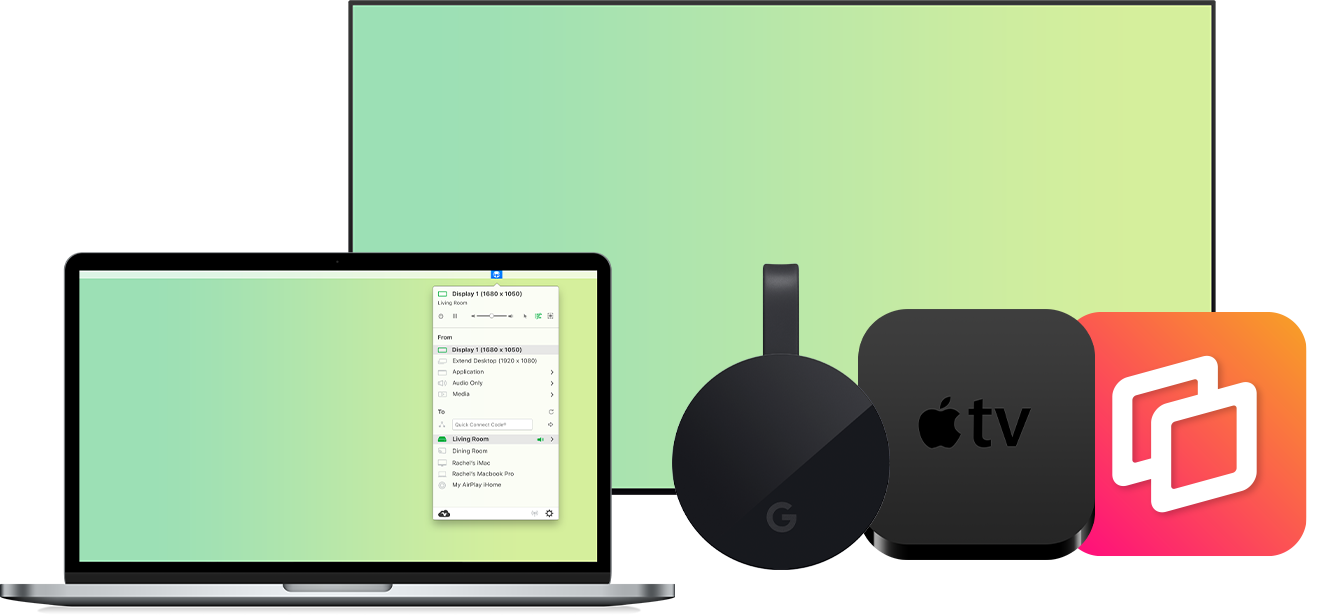
AirParrot sends content to a number of media receivers, even simultaneously. Broadcast to multiple devices like Apple TV and Chromecast, or share audio around the house to AirPlay-enabled speakers. Use AirParrot in combination with Reflector to create a seamless mirroring experience to any computer or device. Never worry about compatibility issues again; share from any device, to any device!
An iOS remote for AirParrot
AirParrot Remote allows you to remotely control AirParrot with your iPhone or iPad. Easily control what's being sent from your computer to Apple TV or Chromecast without touching your keyboard or mouse. AirParrot Remote brings new features to AirParrot like playlist support, live previews and remote control of your computer.
